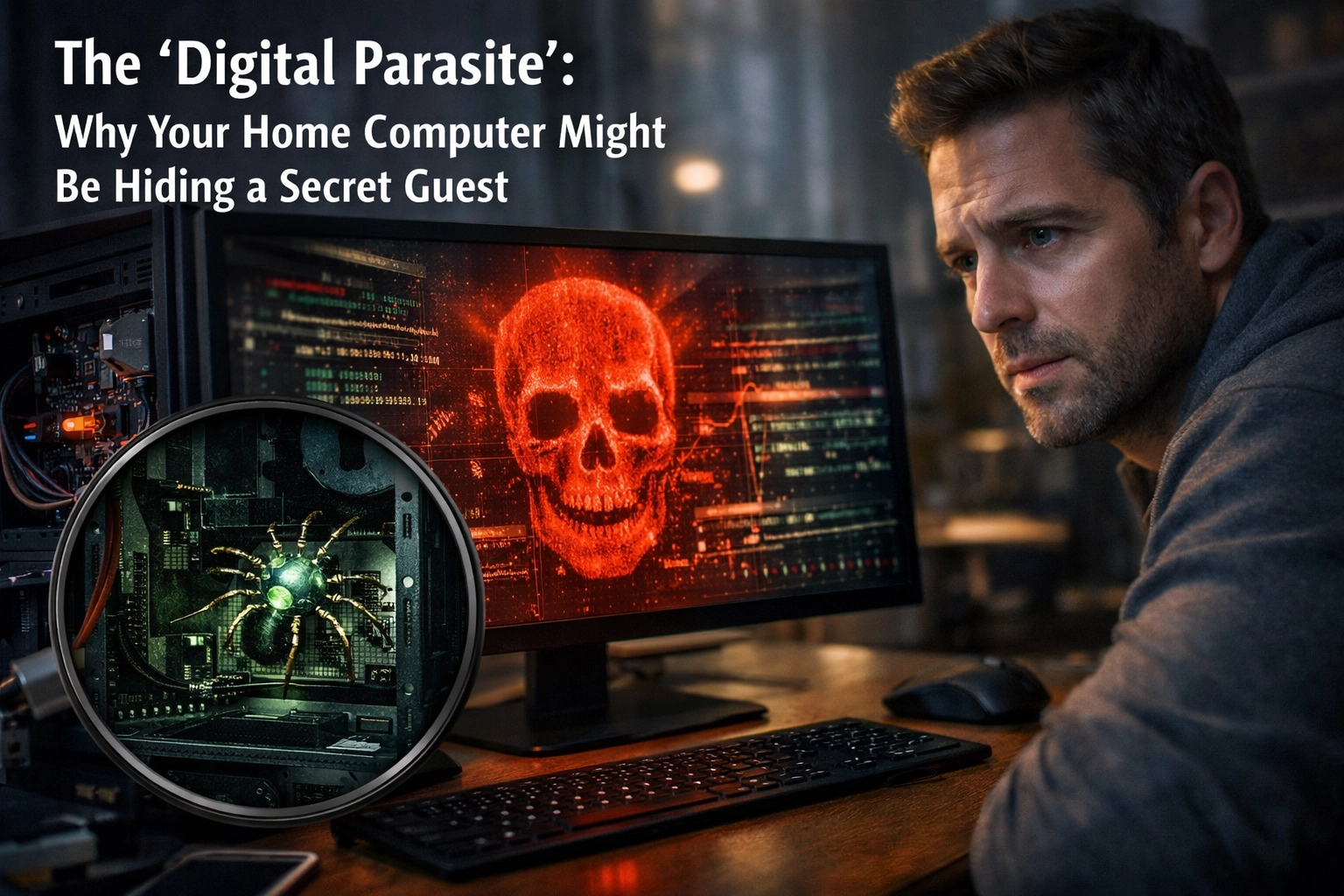
Your home technology should be working for you: not hiding something from you.
Most of us think about our computers like we think about our appliances. If the dishwasher stops mid-cycle or the fridge starts making weird noises, we know something's wrong. But what if your refrigerator looked perfectly fine… while quietly leaking all your grocery lists and family schedules to a stranger down the street?
That's the shift happening in cybercrime right now. The loud, obvious threats: the flashing pop-ups, the frozen screens, the ransomware demands: are being replaced by something far more insidious: the Digital Parasite. This is malware that doesn't want to break your computer. It wants to live there, unnoticed, for as long as possible.
And if your home tech setup hasn't been professionally reviewed in the last year or two, there's a real chance you're already hosting one.
What You're Seeing (Or Not Seeing)
Here's the tricky part: parasitic malware is designed to be invisible. You won't get a scary warning. Your computer won't grind to a halt. Everything will feel normal: maybe even perfectly fine.
But if you look closely, you might notice subtle signs:
- Your computer takes a little longer to start up than it used to
- Programs occasionally freeze for a few seconds, then recover
- Your Wi-Fi seems slower, but only sometimes
- You get logged out of accounts unexpectedly
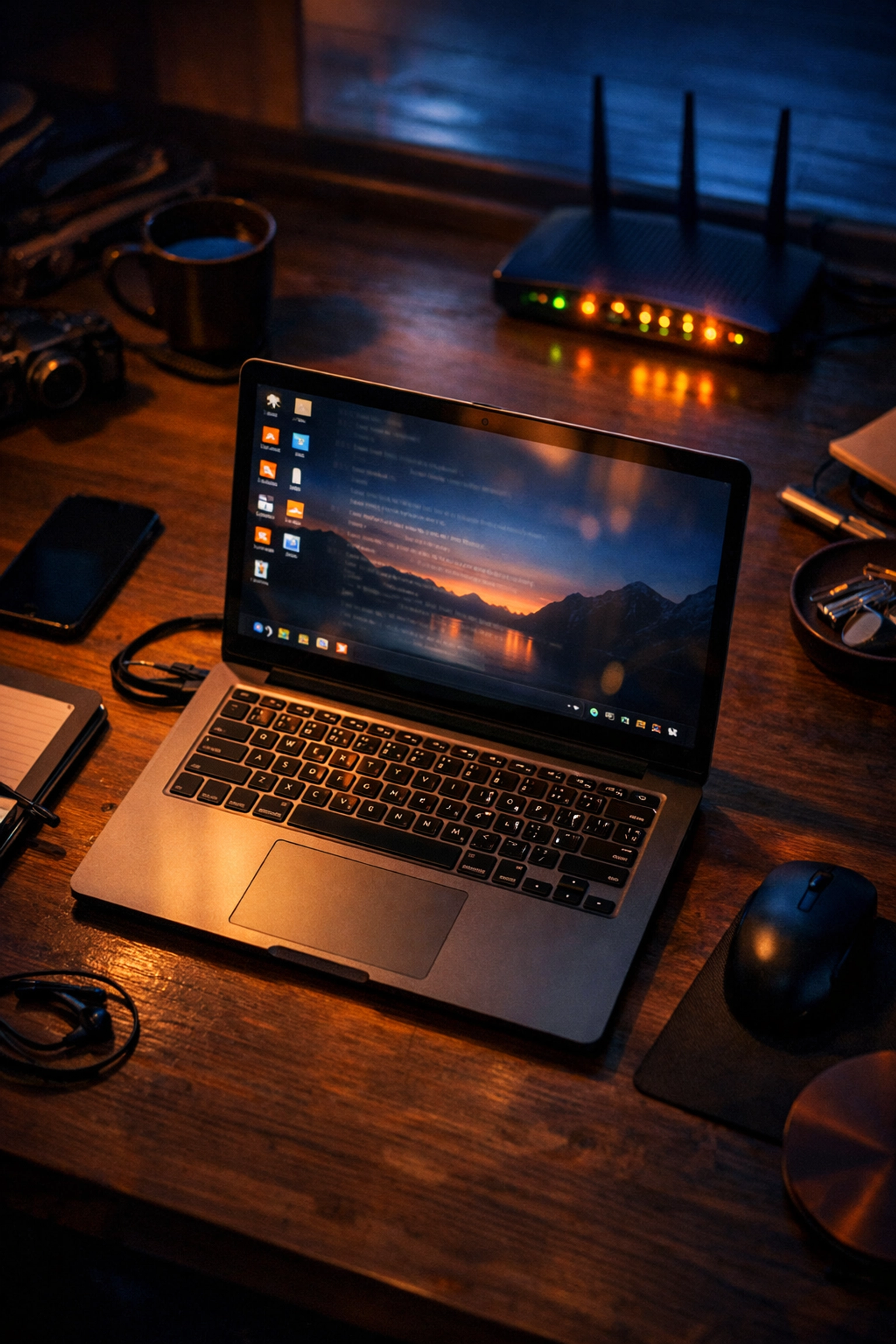
- Your router's lights are blinking more than usual, even when no one's using the internet
If you've been brushing these off as "just how computers get when they're older," you're not alone. Most people assume slowdowns are normal aging. And honestly? That's exactly what these parasites are counting on.
TECH REVIEW NEEDED: Verify claim about parasitic malware avoiding system crashes and prioritizing stealth over visible damage.
What It's Actually Costing You
Let's talk about what this quiet infection is doing while you're trying to work, pay bills, or video call your grandkids.
Time. Every "small" delay adds up. If your computer takes an extra two minutes to boot and you restart it twice a week, that's over three hours a year just waiting. Multiply that across email slowdowns, browser lag, and random freezes.
Stress. You start second-guessing yourself. Did I click something I shouldn't have? Is this normal? Should I call someone? That low-grade anxiety becomes background noise in your day.
Trust erosion. You stop relying on your tech for things that matter. You avoid online banking on your home computer. You don't save important documents there anymore. Your own equipment becomes something you can't fully trust: and that's exhausting.
Relationship friction. When the family computer is "acting weird again," someone gets blamed for "downloading something." Innocent clicks turn into household tension.
And here's the invisible cost: you start making decisions around your tech's limitations instead of your actual needs. That's when your home technology stops being an asset and becomes a bottleneck.
The Real Risk Hiding Underneath
Most parasitic infections aren't trying to crash your system. They're after something far more valuable: your data.
While you're watching Netflix or checking email, malware is quietly working in the background. It's logging your keystrokes. It's copying files. It's watching which websites you visit, which passwords you type, and which family photos you store.
Here's what modern parasites are built to steal:
- Online banking credentials and credit card numbers typed into "secure" forms
- Email account passwords (which can unlock password resets for everything else)
- Personal identification details like birthdates, Social Security numbers, and addresses
- Family photos and private documents stored locally
- Your home network itself: turning your router into a permanent backdoor
TECH REVIEW NEEDED: Verify claim about parasitic malware capabilities including keystroke logging, credential theft, and router backdoor establishment.
And here's the part that keeps security professionals up at night: you might not know for months, or even years. Unlike ransomware (which announces itself immediately), parasitic malware is patient. Attackers use stolen credentials slowly and carefully to avoid detection.
By the time you realize something's wrong: maybe you get a fraud alert from your bank, or a friend says they received a weird email "from you": the damage has already spread far beyond your computer.

How This Happens (And Why It's Not Your Fault)
If you've been clicking "Remind Me Later" on software updates, or if your Wi-Fi router is the same one the cable company installed three years ago and you haven't touched it since: you're normal. Most of us are managing homes, jobs, and families. Router firmware updates are not on anyone's weekly to-do list.
But here's what's happening behind the scenes:
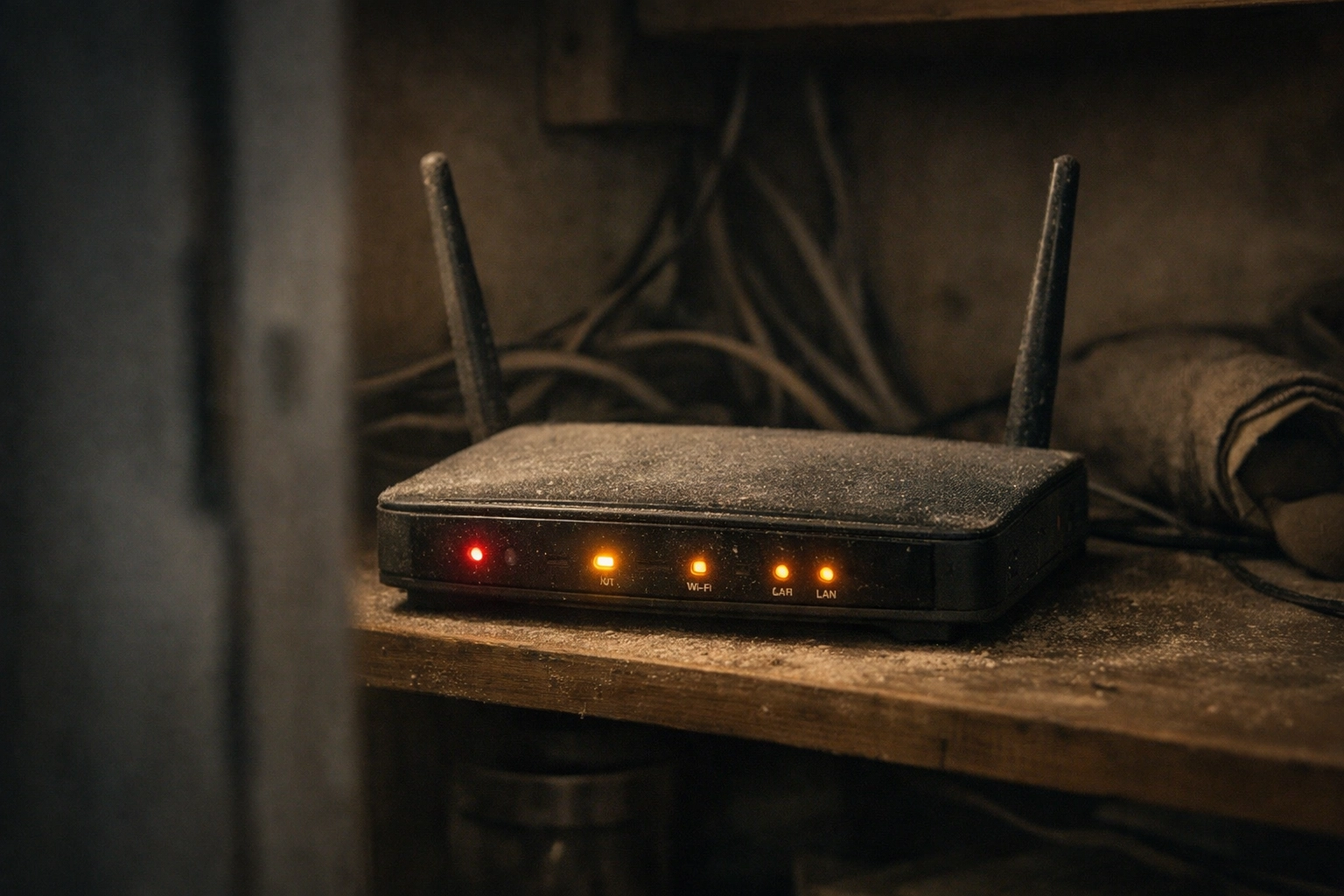
Your router is the front door to your digital home. And if it's running outdated software, that door might have a broken lock. Legacy routers: especially older D-Link DSL models: have critical vulnerabilities that attackers are actively exploiting right now in 2026. They're not just "trying the doorknob." They're walking right in.
TECH REVIEW NEEDED: Verify specific router vulnerability details for D-Link DSL models and active exploitation status in Feb 2026.
Once inside your network, malware spreads quietly:
- Email attachments that look legitimate but contain hidden code
- Infected USB drives from well-meaning friends or family
- Fake software updates disguised as Adobe or Windows prompts
- Compromised websites you visit regularly that were hacked without your knowledge
The infection doesn't announce itself. It installs silently, disables your antivirus (or hides from it), and begins its work.
How Rahvion Removes the Parasite (And Closes the Door)
At Rahvion, we don't just "run a virus scan and hope for the best." We treat your home network like the professional infrastructure it should be: because that's the only way to catch parasitic infections that consumer-grade tools miss.
Here's our diagnostic process:
-
Full network audit. We don't just check your computer: we check everything connected to your home network, including that router in the corner you haven't thought about in years.
-
Deep malware detection. We use enterprise-grade tools designed to find hidden processes, rootkits, and persistent backdoors that free antivirus software isn't built to catch.
-
Router security review. We check your router's firmware, update it if necessary, change default credentials, and close unnecessary ports that might be leaving you exposed.
-
Password vault setup. Stolen passwords are useless if you're using a password manager with unique credentials for every account. We'll help you set one up the right way.
-
The 3-2-1 Backup Rule. If malware does get through in the future, your family photos and important documents should be safe. We help you implement proper backups so nothing is ever truly lost.
Want us to run a remote health check on your home setup? See our plans here.
The Peace of Mind You're Actually Paying For
Here's what changes when your home tech is managed like a professional system instead of "figured out as you go":
You stop wondering. No more "Is this normal?" or "Should I be worried about this?" You have someone monitoring the background: someone whose job it is to worry about router firmware and silent infections so you don't have to.
You trust your tools again. Your computer becomes something you can rely on for banking, work, and staying connected with family: not something you're constantly second-guessing.
You reclaim time. No more hours lost to "figuring it out" or waiting for things to load. Your tech works at the speed it's supposed to.
Your family is safer. Not just from malware: but from scams, phishing emails, and accidental clicks that could compromise everything.
This is what we mean when we say "America's Personal IT Department." You wouldn't try to be your own cardiologist or your own mechanic. You shouldn't have to be your own IT department, either.
If your home router is more than two years old, or if you can't remember the last time someone professionally reviewed your setup, let's talk.
Call us at 410-429-8159 or visit rahvion.com/seniors to schedule a remote consultation. We move at your pace. We explain everything clearly. And we stay until it works.
Because your home technology should be an asset( not a risk you're quietly living with.)
Leave a Reply