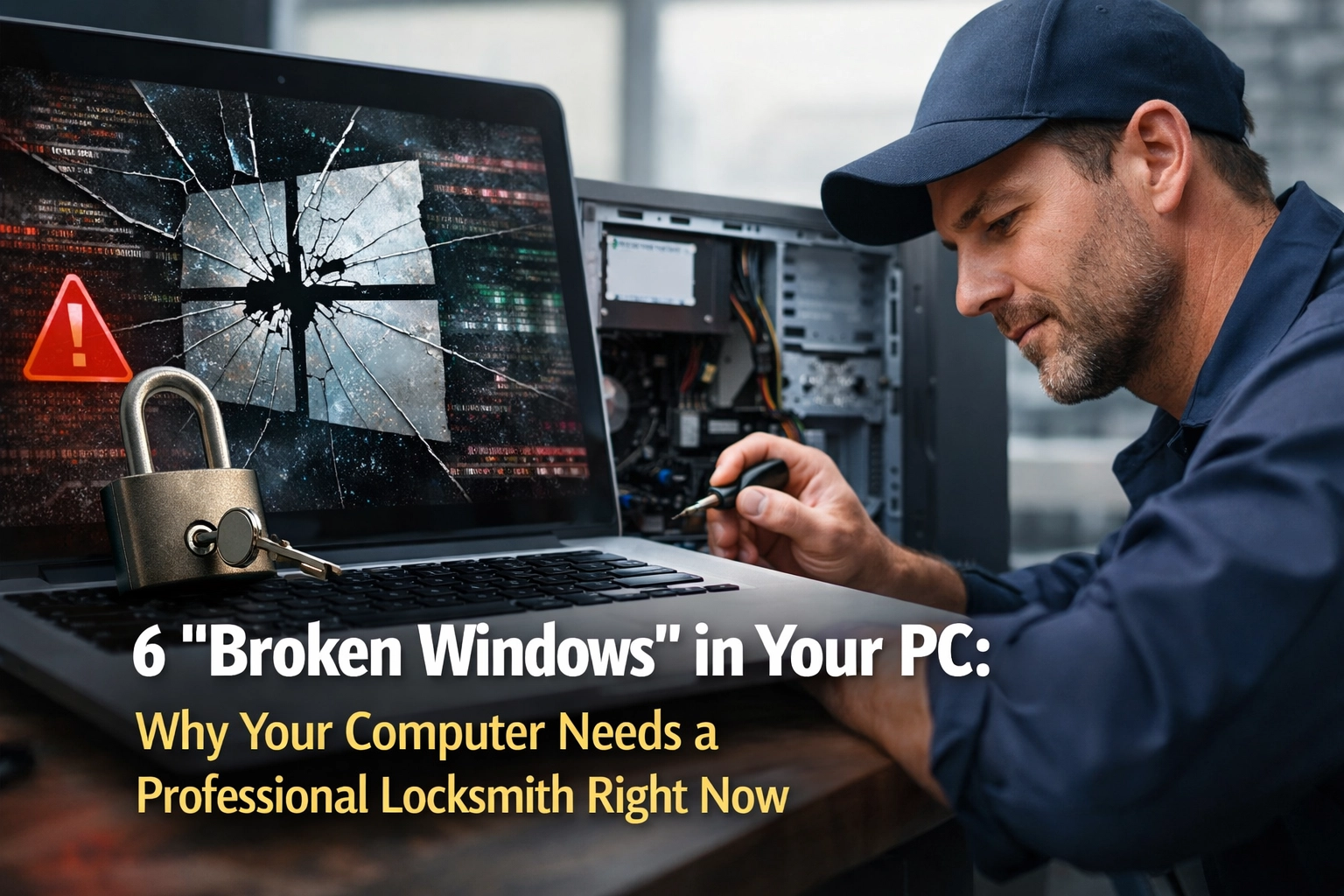
You know that feeling when you see a house with a broken window? Maybe the grass is overgrown, there's trash piling up by the curb, and that window has been cracked for months. Something about it just feels wrong. It signals neglect. It tells potential burglars: "Nobody's really watching this place."
Your computer works the same way.
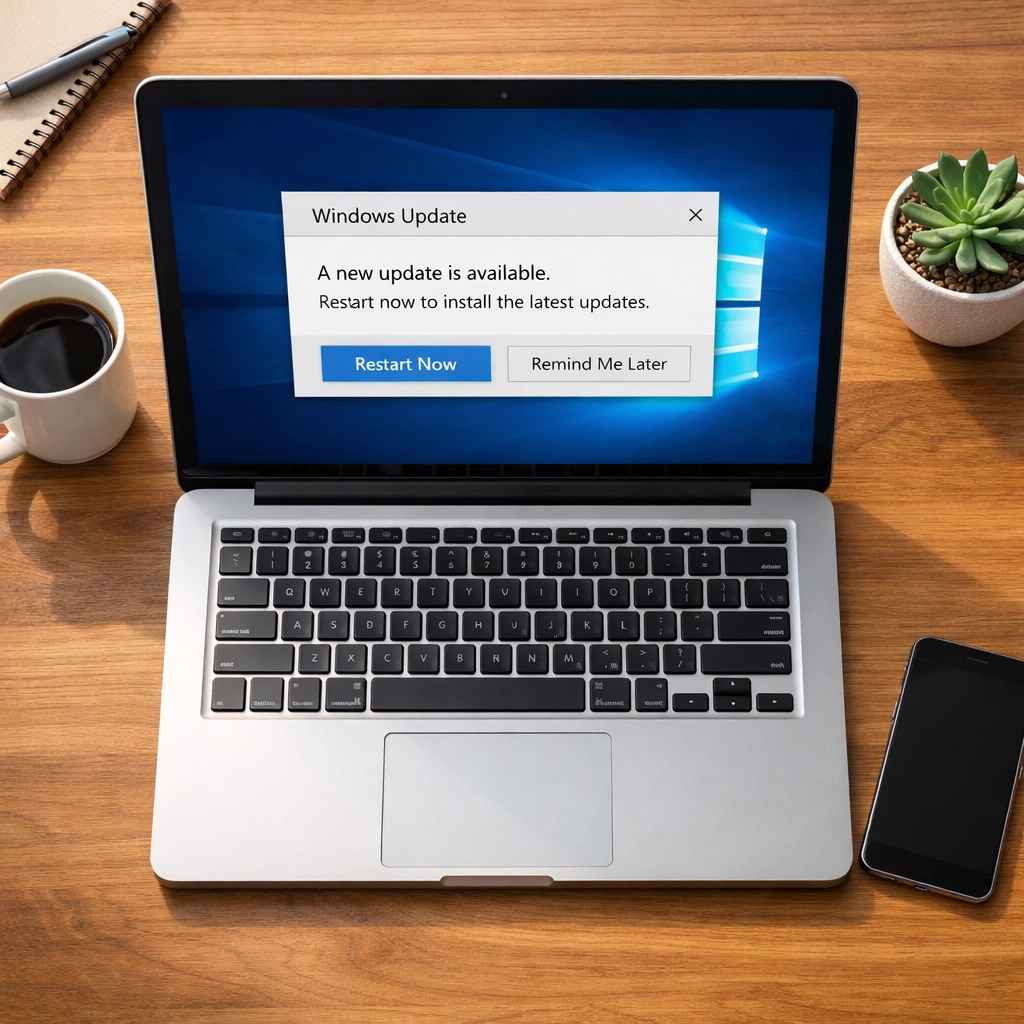
When you click "Remind Me Later" on that Windows update notification for the third time this week, you're not just postponing a minor inconvenience. You're leaving a broken window on your digital home. And right now, actual burglars, professional cybercriminals, are walking down your digital street, checking every house for exactly those kinds of signals.
Here's what most people don't know: Microsoft just confirmed that hackers are already actively exploiting six specific vulnerabilities in Windows. Not vulnerabilities they might use someday. Ones they're using right now, today, to break into computers just like yours.
The "Update Later" Button We All Click
Let's be honest: we've all done it. That little pop-up appears in the corner of your screen while you're in the middle of watching a video, writing an email, or video chatting with your grandkids. "Windows needs to restart to install important updates."
And you think, Not right now. I'm busy. Maybe tonight. Or this weekend.
It's totally normal. You're not being careless or lazy. You're just trying to live your life without constant interruptions from your computer.
But here's the question nobody asks: Why does your computer need these updates so urgently in the first place?
Why Software Has "Broken Windows"
Think of software like a house with thousands of windows, doors, and little access points. When Microsoft builds Windows, they're constructing an incredibly complex structure, millions of lines of code working together to let you browse the web, check email, and store your family photos.
The problem? In a structure that complex, there are always flaws. Little cracks. Hidden weaknesses that even Microsoft's best engineers didn't notice during construction.
These flaws are called "vulnerabilities," and the really dangerous ones are called "Zero-Days." That's tech-speak for: "The bad guys found the broken window before the good guys could fix it."
When Microsoft releases an urgent update, they're essentially saying: "We just discovered six broken windows in your house, and we're seeing burglars already using them to break in. Here's the patch to fix them, please install it now."
The 6 "Broken Windows" Being Exploited Right Now
In Microsoft's February 2026 security update, they patched 59 total vulnerabilities. That's 59 broken windows. But six of them were being actively exploited in the wild: meaning hackers were already using them before Microsoft even announced the fixes.
[TECH REVIEW NEEDED: Specific CVE details for Feb 2026 Zero-Days, including CVE-2026-21510 and other confirmed exploits]
What do these broken windows let hackers do? Here's the scary part:
- Full system access: They can take complete control of your computer remotely
- Credential theft: They can watch you type passwords and banking information
- Silent installation: They can install malware that lives quietly in your system for months
- Network spreading: Once they're in your PC, they can spread to other devices on your home network
The most dangerous part? You won't see any obvious symptoms. Your computer won't slow down. You won't get scary pop-ups or warning messages. The whole point is to stay invisible.
The "Digital Parasite" Problem
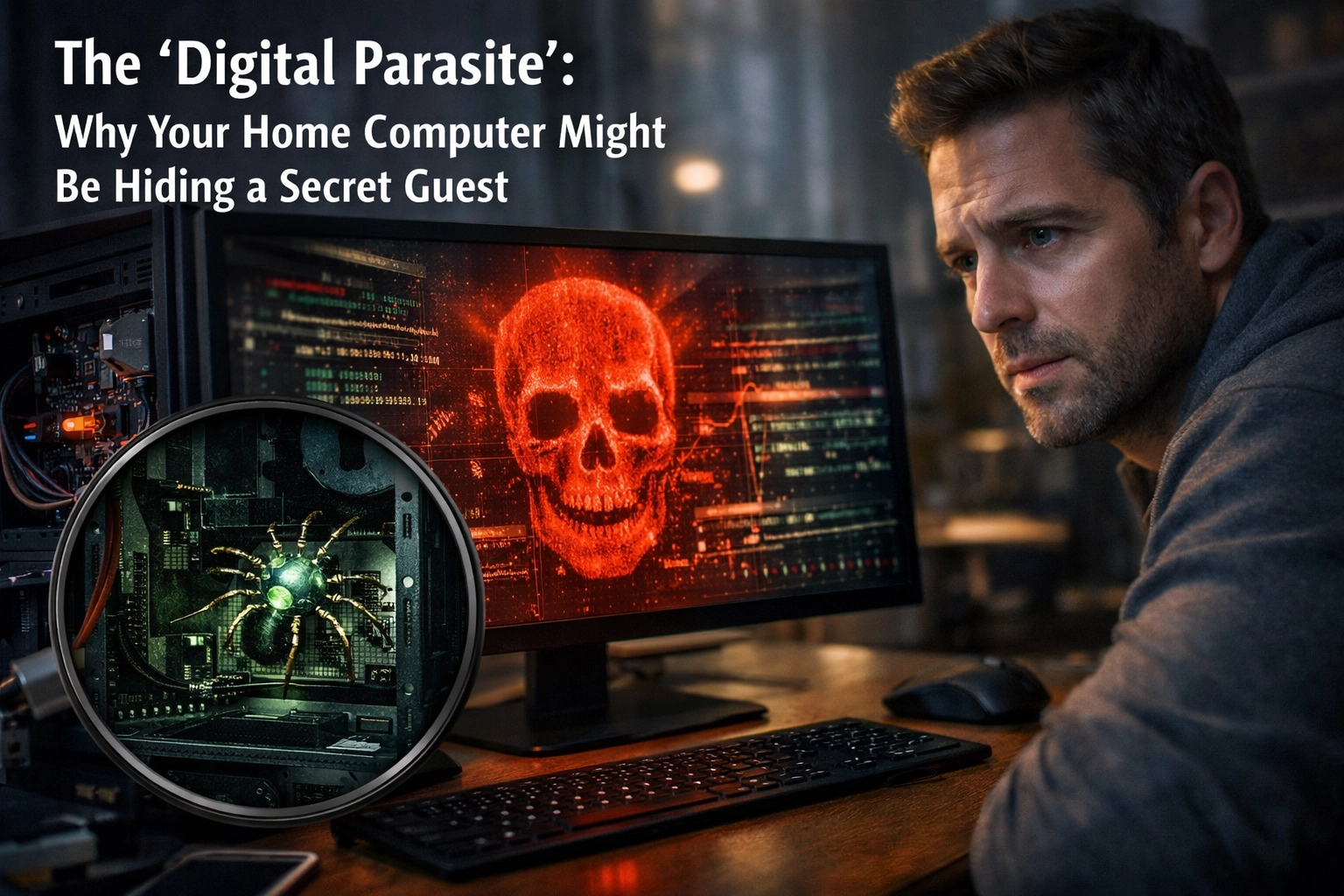
This is what security experts are now calling "Digital Residency" or the "Digital Parasite" trend. Instead of loud, destructive ransomware that locks your files and demands payment, modern hackers prefer to be quiet houseguests.
They want to live in your computer undetected, watching everything you do. They're harvesting:
- Login credentials for your bank accounts
- Social Security numbers from tax documents
- Family photos that could be used for identity theft
- Email passwords that give access to password reset links for everything else
Industry data shows a 38% drop in obvious ransomware attacks. That doesn't mean cybercrime is decreasing: it means it's getting smarter and harder to detect.
Think of it this way: A burglar who smashes your window and steals your TV gets caught quickly. But a burglar who quietly copies your house key and comes back every night to photograph your mail? That burglar can operate for years without you ever knowing.
Why "Just Install Antivirus" Isn't Enough
A lot of people think, "I have antivirus software, so I'm protected." And that's a reasonable assumption. But here's the thing about Zero-Day vulnerabilities: By definition, antivirus software doesn't know about them yet.
Antivirus works by recognizing patterns: digital "fingerprints" of known malware. But when a hacker is exploiting a brand-new, just-discovered vulnerability, there are no fingerprints yet. The antivirus software is looking for a criminal it's never seen before, with no photo to go on.
The only way to close these broken windows is to install the security patches that fix the underlying flaw in the software itself. That's why those updates are so critical.
And this is where most home users hit a wall. Because the questions start piling up:
- How do I know which updates are actually critical?
- What if the update breaks something else on my computer?
- Do I need to update my router too? My printer? My smart TV?
- How do I even check if I've already been compromised?
This is the gap between consumer-grade "do it yourself" tech and professional-grade infrastructure.
The Professional "Locksmith" Approach
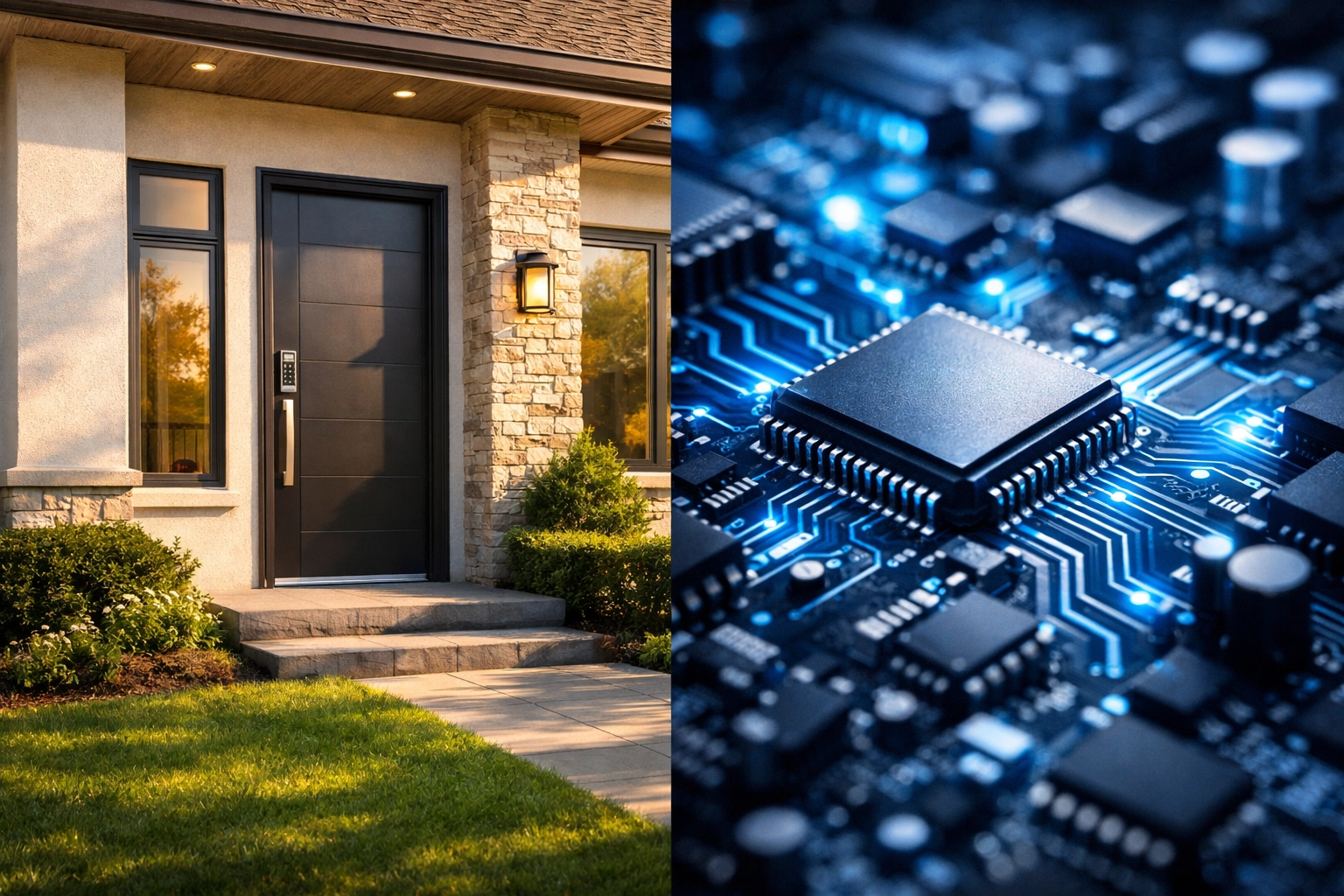
When you have a broken lock on your front door, you don't watch a YouTube tutorial and try to fix it yourself. You call a locksmith. Someone who understands the mechanics, has the right tools, and can assess whether your lock is just worn out or if someone has already tampered with it.
Your computer deserves the same level of professional care.
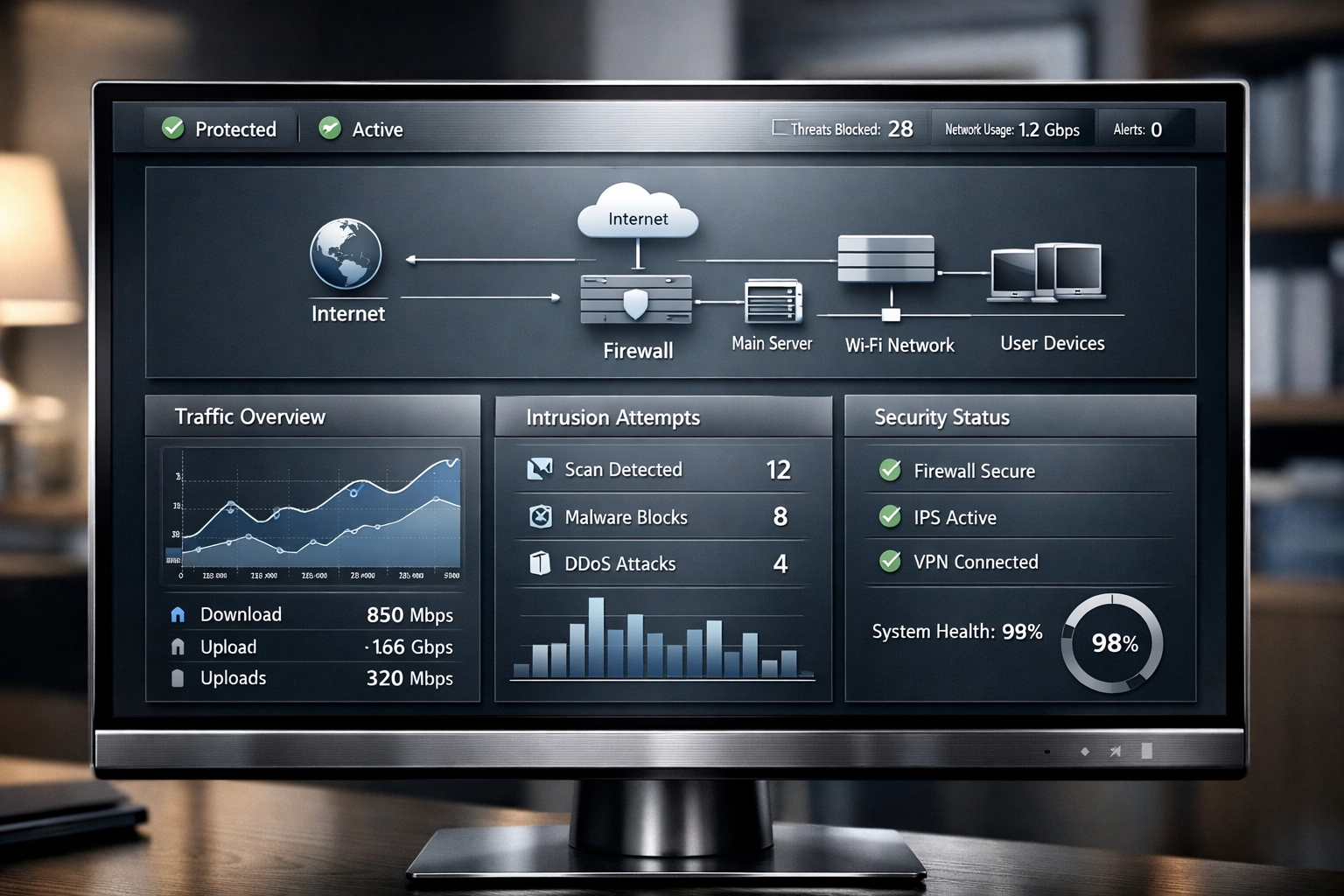
At Rahvion, we don't wait for you to see a problem. We monitor your systems 24/7 for exactly these kinds of threats. When Microsoft releases a critical security patch, we don't send you a notification asking you to click "Update Later." We apply the patch immediately, test it to make sure nothing breaks, and verify that your system is secure.
Here's what that looks like in practice:
1. Proactive Monitoring: We track security bulletins from Microsoft, Apple, and every major software vendor you use. When a Zero-Day is announced, we already know about it before you see a news headline.
2. Immediate Patching: Critical updates are applied within hours, not days or weeks. We schedule them during off-hours when you're not using your computer, so you never experience an interruption.
3. Verification Testing: After an update is applied, we verify that your system boots correctly, your programs still work, and there are no conflicts with your specific hardware or software setup.
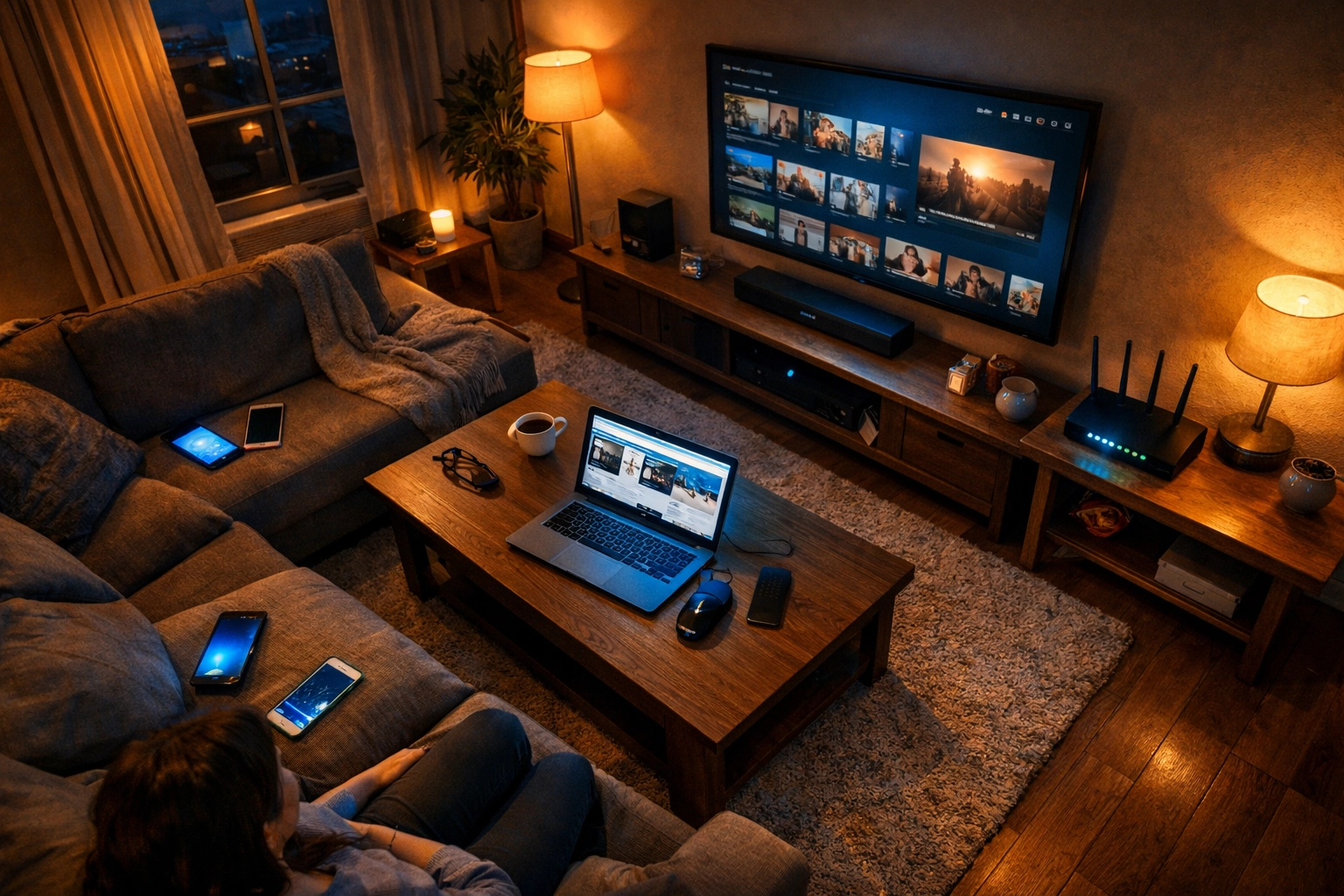
4. Whole-Network Security: We don't just patch your PC: we secure your router, update firmware on your smart devices, and make sure every entry point to your digital home is locked tight.
5. Breach Detection: If a system has already been compromised, we have tools to detect the "digital parasite" before it can do real damage. We look for the subtle signs that someone has been quietly living in your system.
What "Peace of Mind" Actually Means
A lot of companies talk about giving you "peace of mind." But what does that really mean?
For most home users, peace of mind is knowing that you can click a link in an email, browse a website, or pay a bill online without constantly second-guessing: Is this safe? Am I about to get hacked?
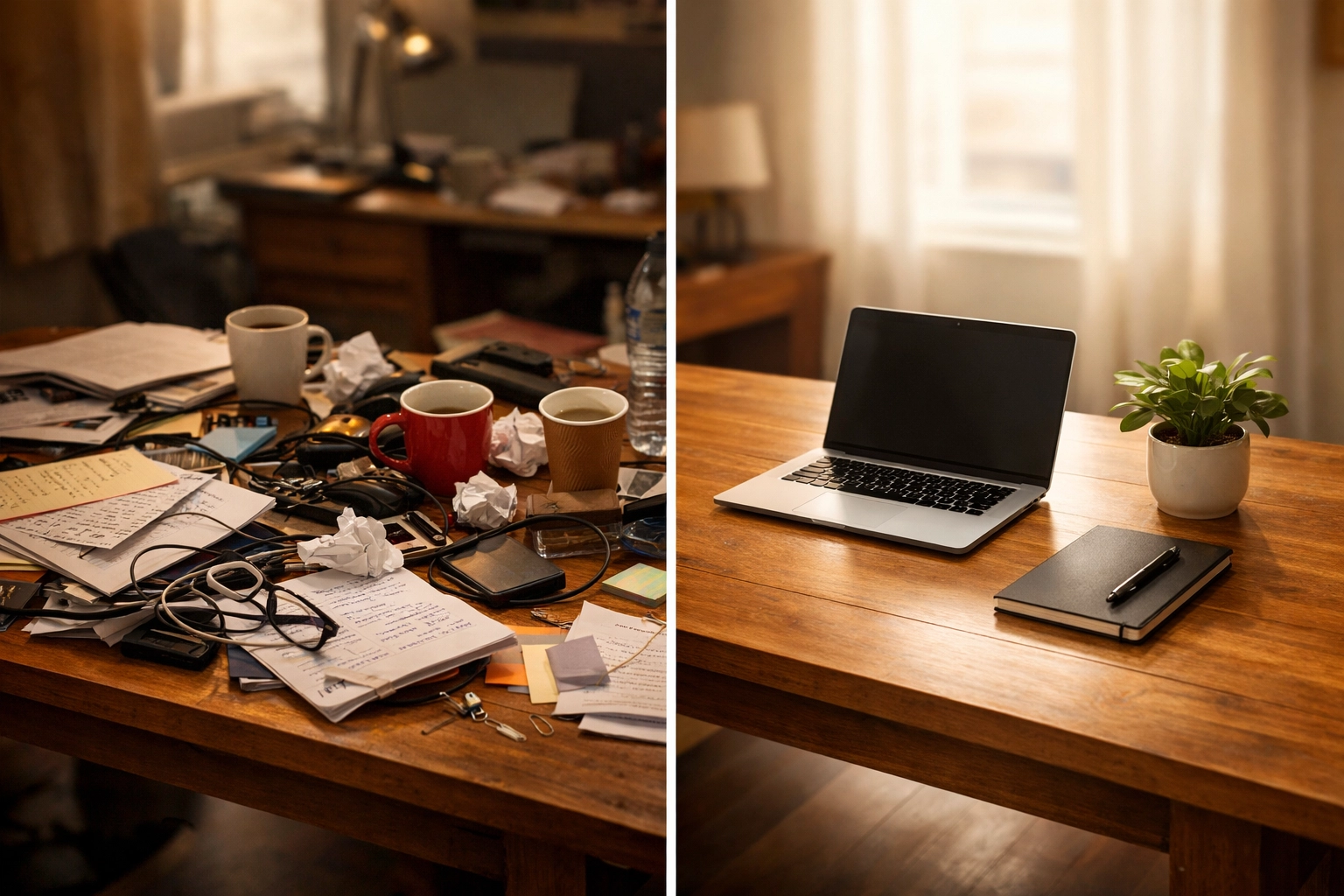
It's the difference between walking into your house at night and instinctively checking every room because you're not sure if you locked the door… versus walking in confidently because you know a professional verified every lock, every window, every entry point.
That's what professional IT support does. It removes the invisible mental load of wondering whether your digital life is secure.
Is Your Digital "House" Locked Up Tight?
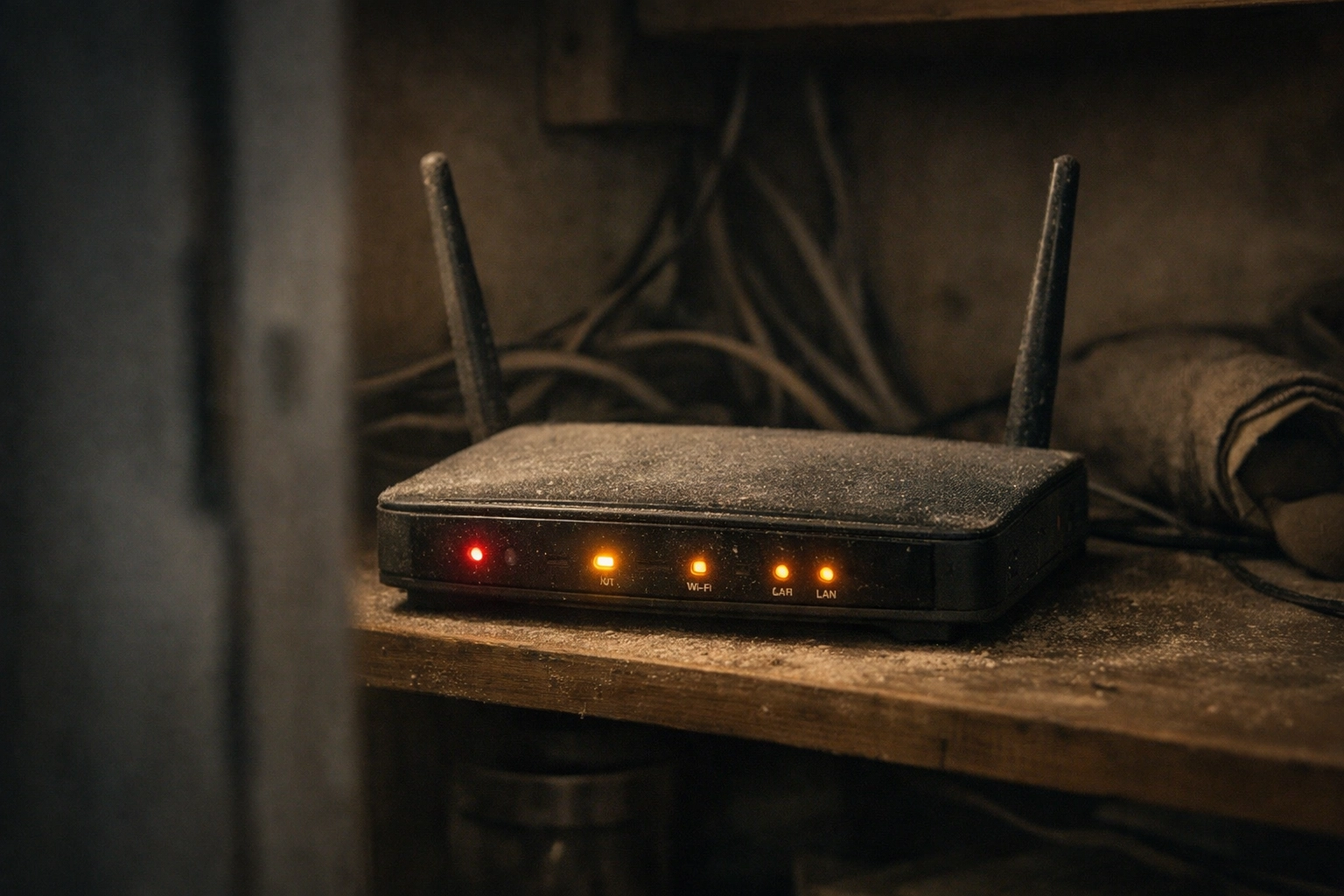
Here's the reality check: If you've ever clicked "Remind Me Later" on a Windows update, you probably have at least one broken window right now. And if your router is more than three years old and has never been updated, your front door might be wide open.
Most people don't realize they have a problem until it's too late. The bank calls about unusual charges. A family member gets a weird email from your account. Your computer suddenly won't boot because all your files have been encrypted by ransomware.
But it doesn't have to be that way.
What if your home technology just… worked? What if updates happened automatically, security was monitored by professionals, and you could trust that your digital life was as secure as your physical home?
That's not a fantasy. That's just what professional-grade IT support looks like.
If you're wondering whether your systems are actually secure: or if you've been living with "broken windows" and just didn't know it: we can help. We offer a Free Home Security Audit where we check your entire digital infrastructure and show you exactly where the vulnerabilities are.
No pressure, no sales pitch. Just a clear assessment from someone who understands the mechanics.
Because here's the thing: You shouldn't have to become an IT expert just to keep your family safe online. That's our job. You just need to know who to call.
Rahvion | Professional IT Support for Families
📞 Call Us: 410-429-8159
📧 Email: helpdesk@rahvion.com
🕐 Hours: Monday–Friday, 8 AM–5 PM
Explore Our Services | View Pricing | Learn More for Families